

FoxSDR: A Standalone SDR Solution with ESP32-S3

Software Defined Radio (SDR) technology has transformed the way we interact with radio frequencies. With the introduction of the FoxSDR, a standalone SDR solution powered by the ESP32-S3, enthusiasts and professionals alike can explore the radio spectrum with unprecedented flexibility and ease. This blog post will delve into the features, benefits, and practical applications of the FoxSDR, showcasing why it stands out in the crowded SDR market.
Understanding Software Defined Radio
Before diving into the specifics of the FoxSDR, it's essential to understand what Software Defined Radio is. Unlike traditional radios that rely on hardware components to process signals, SDR uses software to perform these tasks. This flexibility allows users to modify and upgrade their systems without needing to change physical components.
Key Components of SDR
Hardware: This includes the radio front end, which captures the radio signals, and the processing unit, which can be a computer or a dedicated microcontroller.
Software: The software defines how the radio operates, allowing users to change frequencies, modulation types, and other parameters.
User Interface: This can be a graphical interface on a computer or a simple command-line interface on a microcontroller.
Introducing the FoxSDR
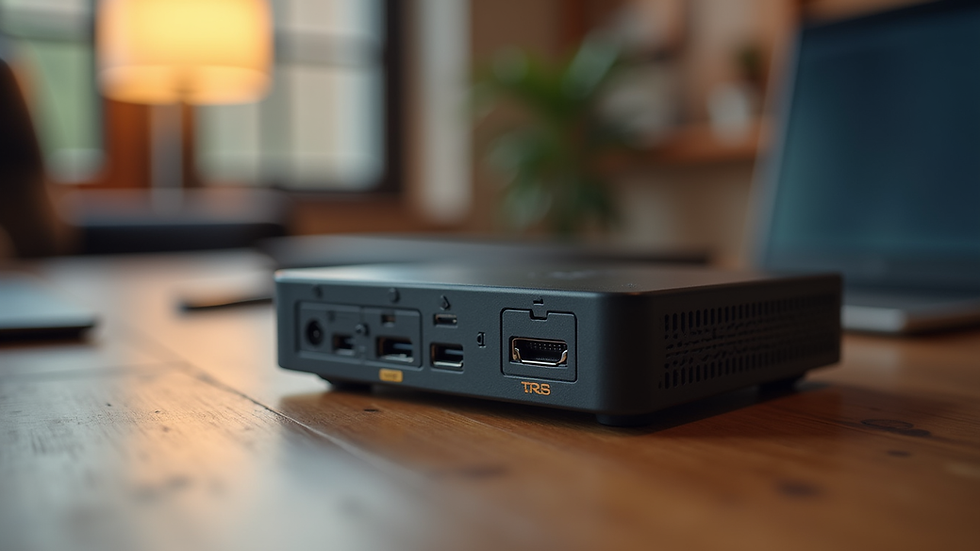
The FoxSDR is a compact, standalone SDR solution that leverages the power of the ESP32-S3 microcontroller. This device is designed for both hobbyists and professionals, offering a range of features that make it suitable for various applications.
Features of FoxSDR
Compact Design: The FoxSDR is designed to be portable, making it easy to take on the go.
ESP32-S3 Microcontroller: This powerful chip provides ample processing power and connectivity options, including Wi-Fi and Bluetooth.
Wide Frequency Range: The FoxSDR can operate across a broad spectrum of frequencies, allowing users to explore different bands and modes.
User-Friendly Interface: The device comes with an intuitive interface that simplifies operation, even for those new to SDR technology.
Benefits of Using FoxSDR
Flexibility and Customization
One of the standout features of the FoxSDR is its flexibility. Users can easily customize the software to suit their specific needs. Whether you're interested in amateur radio, signal analysis, or educational purposes, the FoxSDR can adapt to your requirements.
Cost-Effective Solution
Compared to traditional SDR setups, the FoxSDR offers a cost-effective solution without compromising on performance. Its compact design and integrated features reduce the need for additional hardware, making it an attractive option for budget-conscious users.
Community Support and Resources
The FoxSDR benefits from a growing community of users and developers. This means that there are plenty of resources available, including tutorials, forums, and software updates. Engaging with the community can enhance your experience and help you troubleshoot any issues.
Practical Applications of FoxSDR
The versatility of the FoxSDR opens up numerous practical applications. Here are a few examples:
Amateur Radio
For amateur radio operators, the FoxSDR provides an excellent platform for experimenting with different frequencies and modes. Its wide frequency range allows users to communicate across various bands, making it a valuable tool for both casual and serious operators.
Signal Analysis
The FoxSDR can be used for signal analysis, allowing users to monitor and analyze signals in real-time. This is particularly useful for researchers and engineers working in telecommunications or related fields.
Educational Purposes
Educational institutions can leverage the FoxSDR to teach students about radio technology and signal processing. Its user-friendly interface and extensive capabilities make it an ideal tool for hands-on learning.
Getting Started with FoxSDR
Setting Up Your FoxSDR
Setting up the FoxSDR is straightforward. Here’s a quick guide to get you started:
Unbox the Device: Carefully remove the FoxSDR from its packaging.
Connect Power: Use a suitable power source to power the device.
Install Software: Download and install the necessary software on your computer or mobile device.
Connect to Wi-Fi: Use the built-in Wi-Fi feature to connect the device to your network.
Start Exploring: Launch the software and begin exploring the radio spectrum.
Tips for Effective Use
Experiment with Settings: Don’t hesitate to tweak the settings to find what works best for you.
Join Online Communities: Engage with other FoxSDR users to share experiences and tips.
Stay Updated: Regularly check for software updates to ensure you have the latest features and improvements.
Challenges and Considerations
While the FoxSDR offers many advantages, it's essential to be aware of potential challenges:
Learning Curve
For those new to SDR technology, there may be a learning curve. However, the user-friendly interface and available resources can help ease this transition.
Signal Interference
As with any radio device, users may encounter signal interference. Understanding how to mitigate this can enhance the overall experience.
Conclusion
The FoxSDR represents a significant advancement in standalone SDR solutions, combining the power of the ESP32-S3 with a user-friendly design. Its flexibility, cost-effectiveness, and community support make it an excellent choice for anyone interested in exploring the world of radio frequencies. Whether you're an amateur radio enthusiast, a researcher, or an educator, the FoxSDR can help you unlock new possibilities in the realm of Software Defined Radio.
As you embark on your journey with the FoxSDR, remember to engage with the community, experiment with different settings, and most importantly, have fun exploring the radio spectrum!

Comments